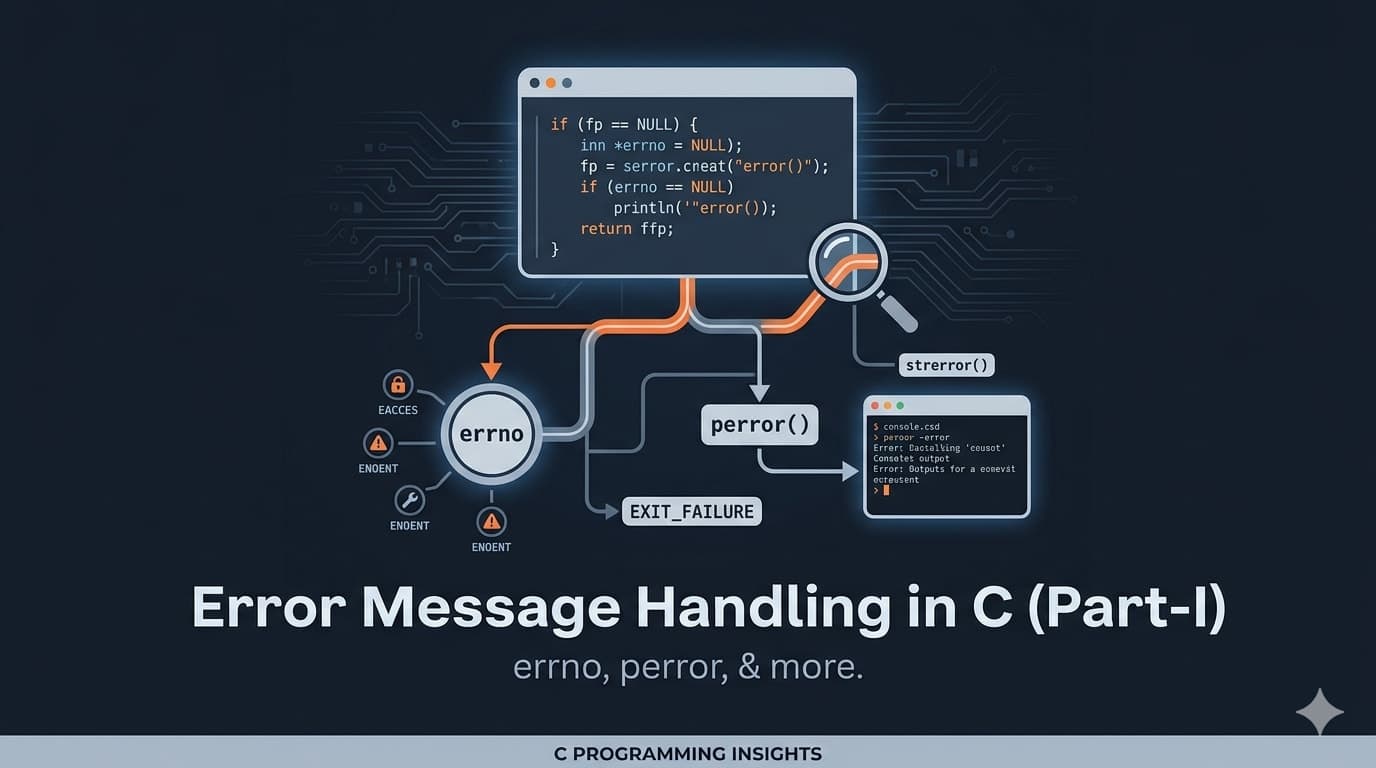
Error Message Handling in C (Part-I)
A beginner-friendly guide to understanding how C handles errors using errno, strerror(), and perror(). Learn how to detect, interpret, and debug file-related errors effectively instead of letting your program fail silently.
We don’t want our program to behave like our girlfriend or wife — getting angry but not telling us why. You know that classic conversation:
“What’s wrong?”
“Nothing. I’m fine.”
Yeah… frustrating, right? 😅
Now imagine your C program doing the same thing — failing silently with no explanation. That’s exactly what we don’t want. Instead, we want clear, meaningful error messages so we can debug properly and fix issues efficiently.
📌 Introduction
Today, we’ll explore how error messages in C are generated and handled.
Errors might be annoying, but they are extremely important. They help us understand:
- Why a program isn’t working
- What went wrong internally
- How to fix the issue
If you have some experience with file handling in C, this will feel familiar.
🔑 Key terms to remember:
errnoandperror()
⚙️ Error Generation in C
Let’s assume you try to open a file that doesn’t exist.
In this situation:
- The Operating System (OS) detects the issue
- It signals the error to the library function
- The library passes that information to your program
🧠 How does C store errors?
C uses a special integer variable called:
errno
But here’s the catch:
- You don’t declare it yourself
- It’s defined in the header file:
#include <errno.h>
🛠️ Step-by-Step Example
1. Create Project Folder
D:\ErrorHandling
2. Create a file
program.c

3. Basic Code Test
#include <stdio.h>

int main() {
    printf("We’ll generate error message today!\n");
    return 0;
}

4. Using errno
#include <stdio.h>
#include <errno.h>

int main() {
    printf("errno value: %d\n", errno);
    return 0;
}

👉 If errno = 0, no error has occurred.
❌ Generating an Error
Let’s try opening a file that doesn’t exist:
#include <stdio.h>

int main() {
    FILE *fp = fopen("textfile.txt", "r");
    return 0;
}

👉 No error message appears!
Why?
Because fopen() does not print errors automatically.
🔍 Checking for Errors
#include <stdio.h>
#include <errno.h>

int main() {
    FILE *fp = fopen("textfile.txt", "r");

    if (fp == NULL) {
        printf("Error code: %d\n", errno);
    }

    return 0;
}

👉 Example output:
Error code: 2
🧾 Converting Error Code to Message
To make it human-readable, use:
strerror(errno)
Updated Code:
#include <stdio.h>
#include <errno.h>
#include <string.h>

int main() {
    FILE *fp = fopen("textfile.txt", "r");

    if (fp == NULL) {
        printf("%s\n", strerror(errno));
    }

    return 0;
}

Output:
No such file or directory
👉 errno = 2 corresponds to:
ENOENT (No such file or directory)
📚 Where are error codes defined?
All error codes like ENOENT are defined in:
errno.h
You can find it inside:
MINGW/include/

⚡ Using perror()
Instead of manually using strerror(), C provides a simpler function:
perror("Error");
Example:
#include <stdio.h>

int main() {
    FILE *fp = fopen("textfile.txt", "r");

    if (fp == NULL) {
        perror("Error");
    }

    return 0;
}

Output:
Error: No such file or directory
✅ Conclusion
Now you understand:
- How errors are generated in C
- What
errnodoes - How to convert error codes into messages
- How to use
strerror()andperror()
Error handling is essential for writing robust and debuggable programs.
In the next part, we’ll dive deeper into advanced error handling techniques.
📖 References
- Pointers on C — Kenneth A. Reek